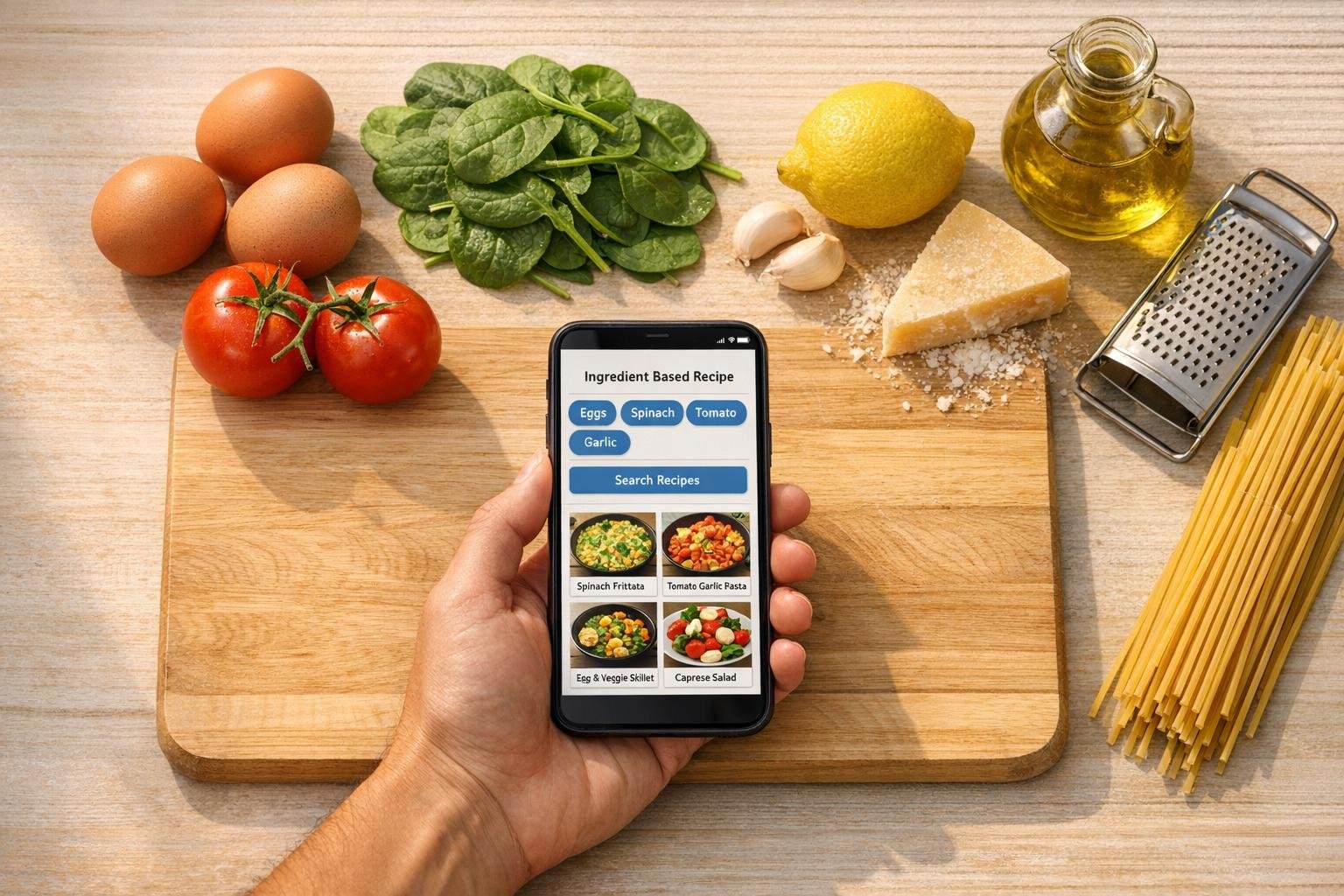
How to Finally Stop Losing Recipes: A Practical Guide to Building a Recipe System That Works
The average home cook collects recipes from a dizzying number of places — food blogs, Instagram reels, cookbook photos, family text threads, YouTube videos, and the back of cereal boxes. Studies on digital clutter suggest most people save far more content than they ever revisit, and recipes are among the worst offenders. The result? A scattered, unsearchable mess that quietly sabotages meal planning and pushes people toward takeout.
This article looks at why recipe organization is harder than it seems, what makes a good recipe-saving system, and how tools like browser extensions and digital collections can transform the way you cook at home. We’ll use your.recipes as a working example of how a modern recipe management system functions.
Why Recipe Hoarding Happens (and Why It Fails)
There’s a psychological pattern behind the bookmark graveyard. Cooking inspiration tends to strike when we’re not in the kitchen — late at night, on a commute, scrolling through social media. We save recipes in the moment of inspiration, but rarely revisit them in the moment of need (usually around 5:30 p.m. on a Tuesday).
Common saving methods each have a fatal flaw:
- Browser bookmarks are invisible across devices and impossible to search by ingredient.
- Screenshots strip out the source link, making it hard to verify ingredient amounts or cooking times later.
- Pinterest boards mix recipes with aspirational lifestyle content, and link rot eventually breaks many pins.
- Email-to-self creates a buried inbox folder that’s never actually organized.
- Handwritten notebooks are charming but not searchable, shareable, or backed up.
The fundamental problem isn’t that people don’t save recipes — it’s that the recipes they save aren’t retrievable in the moment they’re needed.
What Makes a Good Recipe Management System
Before evaluating any tool, it helps to know what you’re actually looking for. A functional recipe system should offer:
- Capture from anywhere — the ability to import recipes from any website without manual copying.
- Structured storage — ingredients, instructions, and metadata stored in consistent fields, not as raw screenshots.
- Categorization — both quick favoriting and deeper grouping (by meal, occasion, dietary need, etc.).
- Search and filter — the ability to ask “what can I make with chicken in the air fryer?” and get a useful answer.
- Cross-device access — your recipes should be reachable from a phone in the grocery store and a laptop on the counter.
- Discovery — exposure to new recipes you wouldn’t have found on your own.
These criteria are what separate a true recipe manager from a generic note-taking app.
How Browser Extensions Solve the Capture Problem
The single biggest friction point in recipe saving is the capture step. If saving a recipe takes more than a few seconds, most people won’t do it consistently.
This is where browser extensions come in. A recipe-focused extension — like the one your.recipes offers for Chrome and Firefox — reads the structured recipe data embedded in most modern food blogs (a format called Recipe Schema, which sites use for Google search results). With one click, the extension extracts the title, ingredients, instructions, photo, and source link, then files them in your account.
The benefit isn’t just speed. It’s consistency. Every recipe ends up in the same format, regardless of whether it came from a minimalist Substack or a blog with seventeen pop-ups and a 2,000-word personal essay before the recipe card.
Favorites vs. Collections: Why Both Matter
A common mistake in personal organization — recipes included — is using a single layer of categorization. You either have everything in one giant pile, or you over-engineer a folder system you abandon within a month.
The two-tier approach used by your.recipes reflects how cooks actually think:
- Favorites (the heart button) is for low-effort, high-frequency saving. It’s the “I’ll probably want this again” pile.
- Collections are for intentional grouping — themed sets like Weeknight Dinners, Meal Prep Sunday, Holiday Baking, Vegetarian Mains, or Recipes My Kids Will Actually Eat.
Collections can be kept private or shared publicly, which makes them useful for coordinating with a partner, sending a curated set of dishes to a friend, or building a family cookbook over time.
The key principle: favoriting is fast, collecting is deliberate. You need both.
The Underrated Value of Community Discovery
Algorithmic recommendations have a credibility problem. They optimize for engagement, not necessarily for what’s actually good to cook. A recipe that goes viral on TikTok isn’t always one that works in a real kitchen.
Community-driven discovery — seeing what other home cooks are actively saving — is a different signal entirely. When real people are bookmarking a recipe to make it later, they’re voting with intention, not just with a thumb scroll. Platforms like your.recipes surface trending and frequently-saved recipes for this reason: it’s a more honest filter for what’s worth your time.
This kind of discovery also broadens your cooking horizons. You see dishes you wouldn’t have searched for — a Lebanese lentil soup, a Korean-style braised tofu, a one-pan pasta you’d never have considered — because someone else found them and saved them first.
Browsing by Meal Type, Protein, and Cooking Method
Once a recipe collection grows past a few dozen entries, search becomes essential. The most useful filters mirror real-world cooking decisions:
- Meal Type — Are you planning breakfast, lunch, dinner, dessert, or a snack?
- Protein — What’s in the fridge or on sale this week?
- Cooking Method — Do you want to use the slow cooker, sheet pan, air fryer, or grill?
These three axes cover the vast majority of “what should I make?” decisions. A well-tagged recipe library lets you answer that question in seconds, rather than scrolling through hundreds of saved items.
The Compounding Returns of an Organized Recipe Library
There’s a quiet, long-term benefit to building a personal recipe collection that most people underestimate: it compounds.
- Meal planning gets easier because you’re choosing from a curated set you already know you like.
- Grocery shopping gets faster because ingredient lists are pre-formatted and accessible from your phone.
- Decision fatigue drops dramatically — the 6 p.m. “what’s for dinner?” spiral fades when the answer is already in your account.
- Cooking confidence grows because you’re returning to recipes that worked, not constantly testing new ones.
Behavioral research consistently shows that habits succeed when friction is low. Healthy, home-cooked meals don’t usually fail because of a lack of motivation — they fail because the system around them is broken. Fixing the system fixes the habit.
Getting Started
If you’re rebuilding your recipe workflow, a few practical steps:
- Pick one home for your recipes and commit to it. Splitting between Pinterest, screenshots, and bookmarks is what created the mess in the first place.
- Install a browser extension so saving becomes a one-click action.
- Start with two or three collections, not ten. Add more only when you actually need them.
- Spend ten minutes a week browsing what other cooks are saving — this is how your repertoire expands.
- Use it on your phone in the kitchen. A system you don’t reference while cooking isn’t a system.
A free account at your.recipes offers all of the above — browser extension, favorites, collections, community discovery, and structured browsing — but the larger point applies regardless of the tool you choose: the cooks who eat well at home aren’t the ones with the most willpower. They’re the ones with the best system.

